Parent portal
One login, every linked child. A guardian sees their ward's results, attendance, and fees under My children, and tracks any admission application under My applications — the same portal whether they signed up themselves at /apply or were invited from an existing student's profile.
Screens below are from a real guardian account in a demo school, linked to one real student.
Who can do what
There's no separate role check behind any of this — every page here scopes by ownership: is this user actually a guardian of the student they're asking about. That's deliberate. A teacher applying for their own child gets exactly the same portal a parent does, and My applications is open to anyone with a school, not gated to the parent role at all — because applying for your own ward, and needing somewhere to track it afterward, isn't only something parents do.
My children
My children is one card per linked student: status, class and arm, and a term-by-term results table once any have been computed.
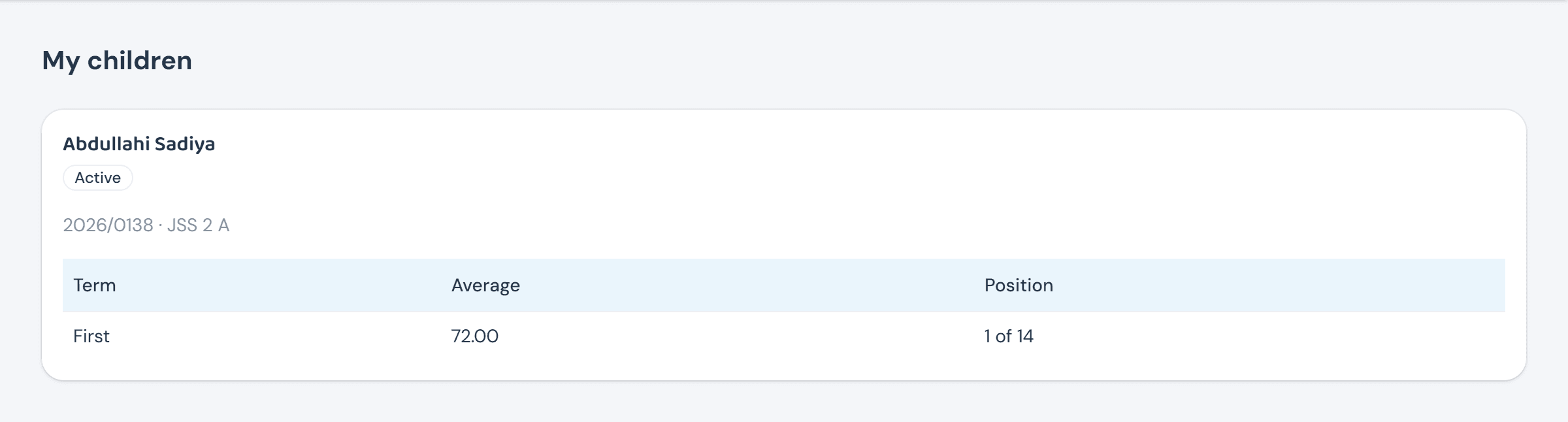
Multi-child support is exactly this: more cards, same page, one login — a guardian with three children at the school never signs into three different places.
Attendance & fees, per child
My children's attendance and My children's fees are the same one-card-per-child shape, each narrowed to its own thing — a running attendance snapshot for the current term, or a plain billed/paid/outstanding line.


Clicking through either card opens the full picture — a complete attendance history, or the same term-grouped ledger view a Burser sees, just scoped to this one child instead of the whole school.
My applications
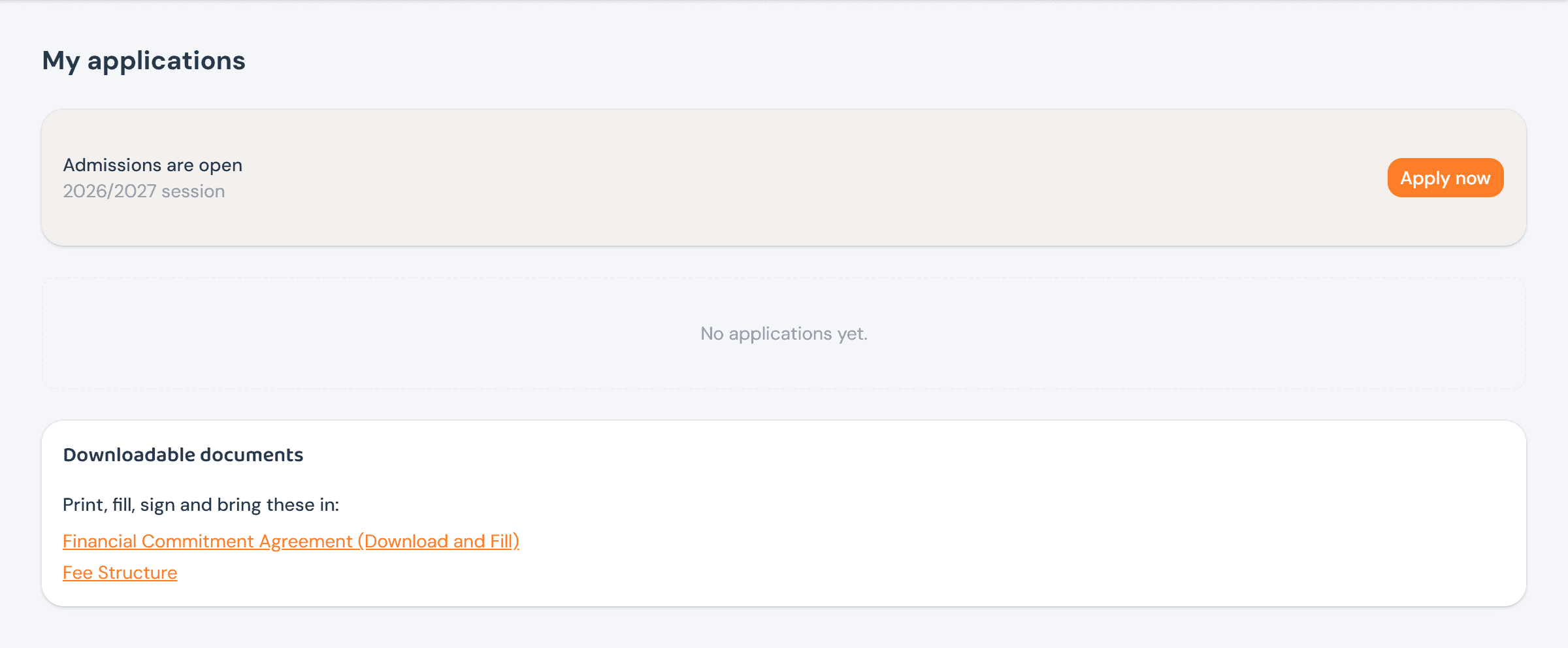
My applications is where an in-progress application lives — an Apply now prompt whenever a window is open, every application the guardian has submitted with whatever action its status allows (paying a fee, accepting a place, downloading a letter, editing while it's still pending), and the school's downloadable admission documents alongside it.