Subjects & timetable periods
A subject only becomes something a class can actually be taught once it exists on the school-wide list and there's a period template to schedule it into. This guide starts with that template — set in Settings → Daily periods — before the subject list itself.
Screens below are from a demo school with sample data. Nothing shown here (a period, a subject) was actually added to make these — every form is captured open, not submitted.
Who can do what
The subject list and the period template are managed by different people: only the Head Teacher edits the subject list, curriculum design, but the ICT Admin joins them on daily periods — staffing a day's schedule is closer to running the school than to designing what's taught.
Daily periods (settings)
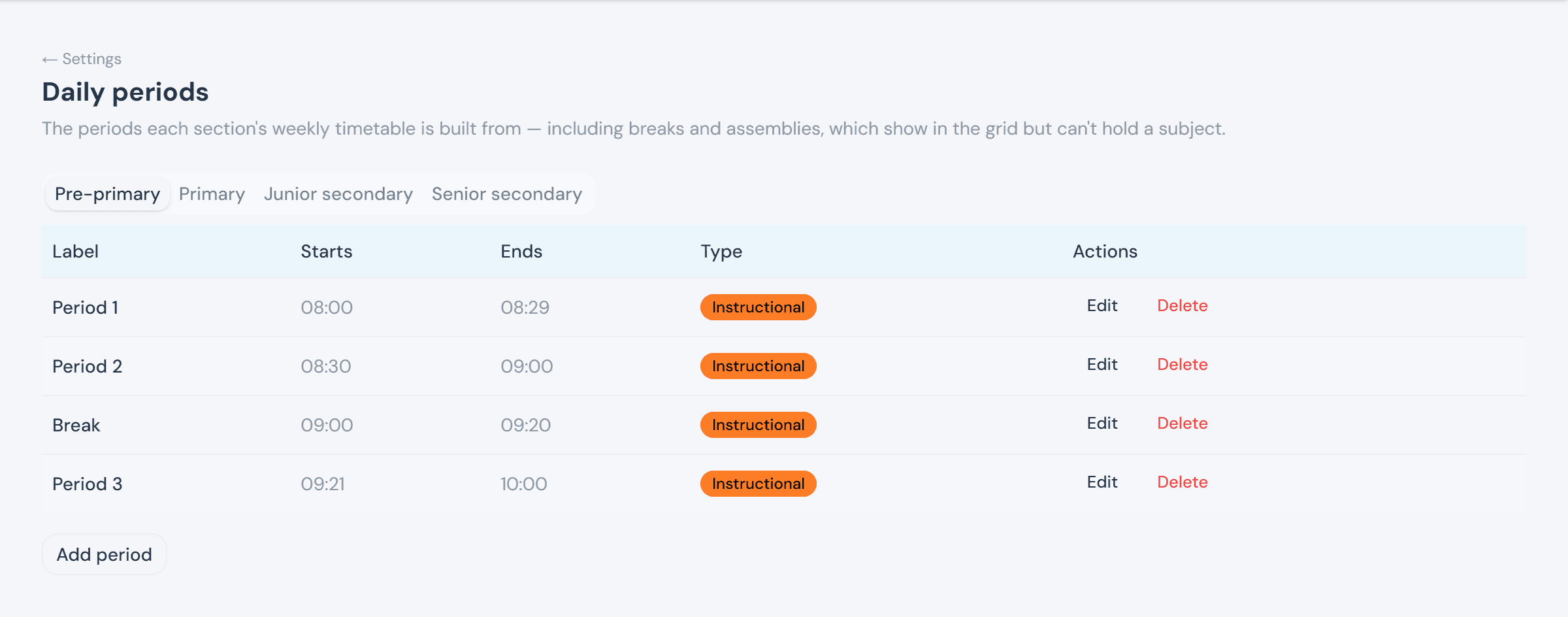
Daily periods is the timetable template every section's weekly grid is built from — Period 1, Break, Period 2, and so on — with a tab per education level, since a Pre-primary day rarely matches a Senior Secondary one. Breaks and assemblies live in the same list and show in the grid, but can't hold a subject. This isn't term-scoped: it applies every term until someone changes it here.
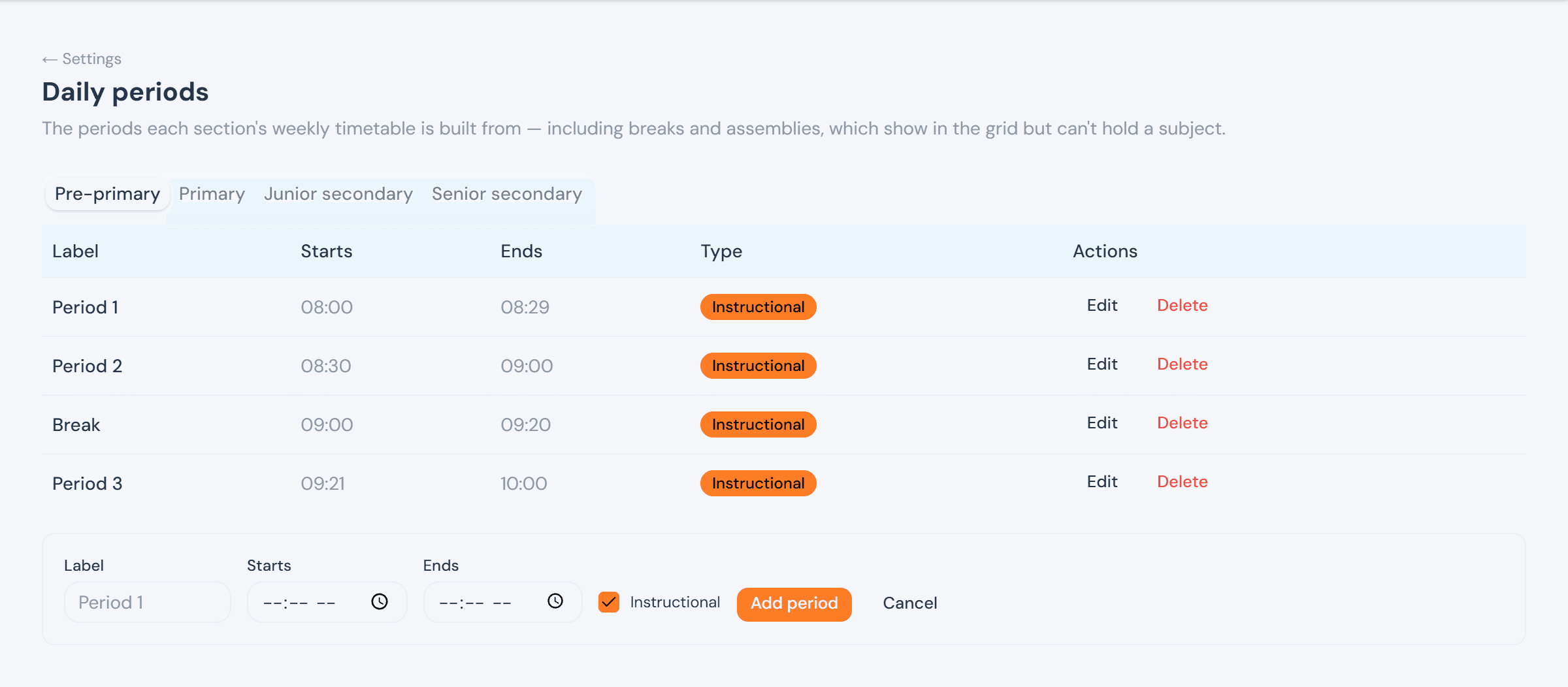
Add period expands inline: a label, a start and end time, and whether it's instructional (unticking that is how a break or assembly gets added).
The subject master list
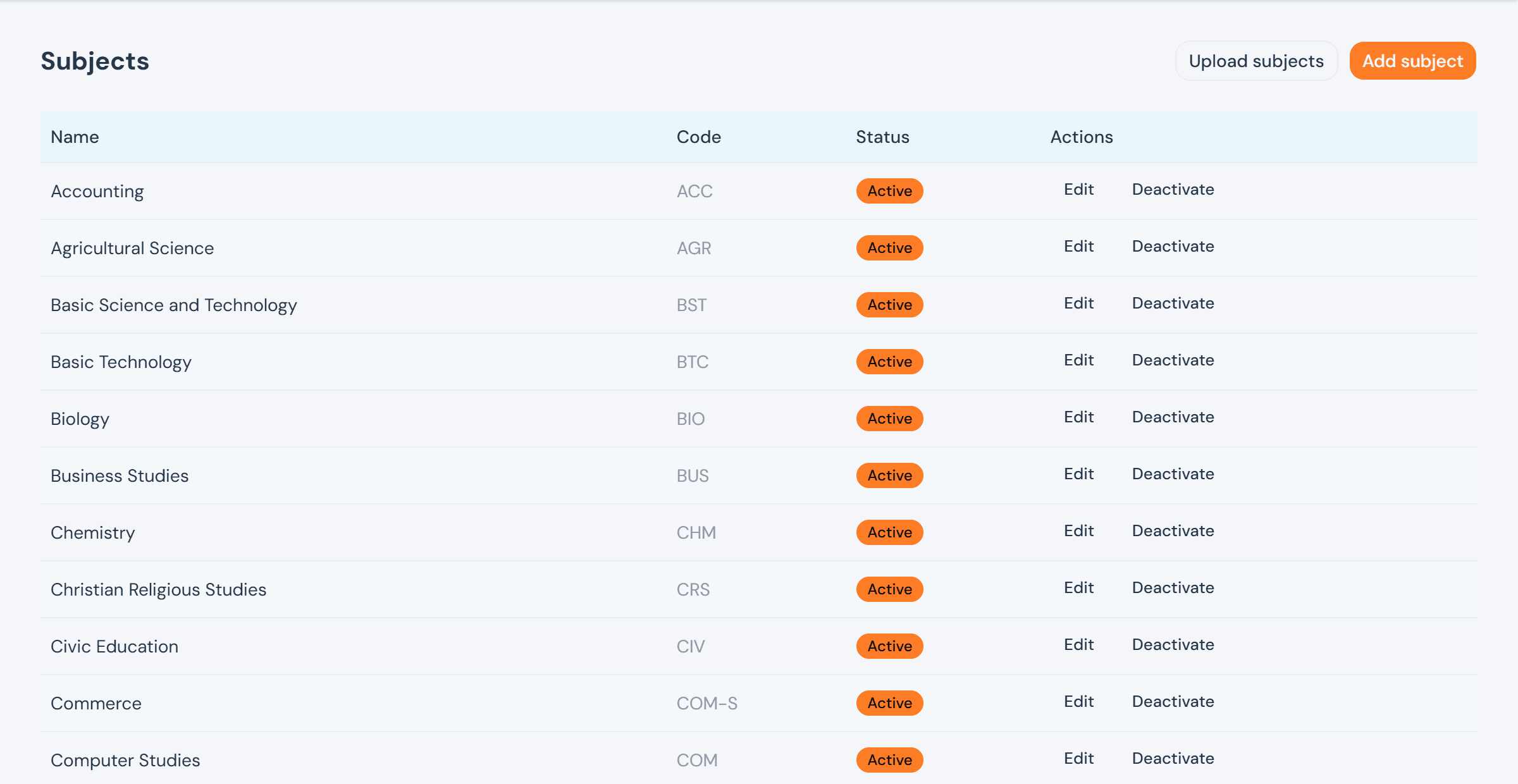
Subjects is the school-wide list every class draws from when setting compulsory subjects or elective groups (see Classes & academic sessions → Class curriculum) — a subject has to exist here first. Each one gets an optional code and an Active/Inactive status; deactivating one doesn't remove it from classes already using it, it just stops it from being offered to new ones.
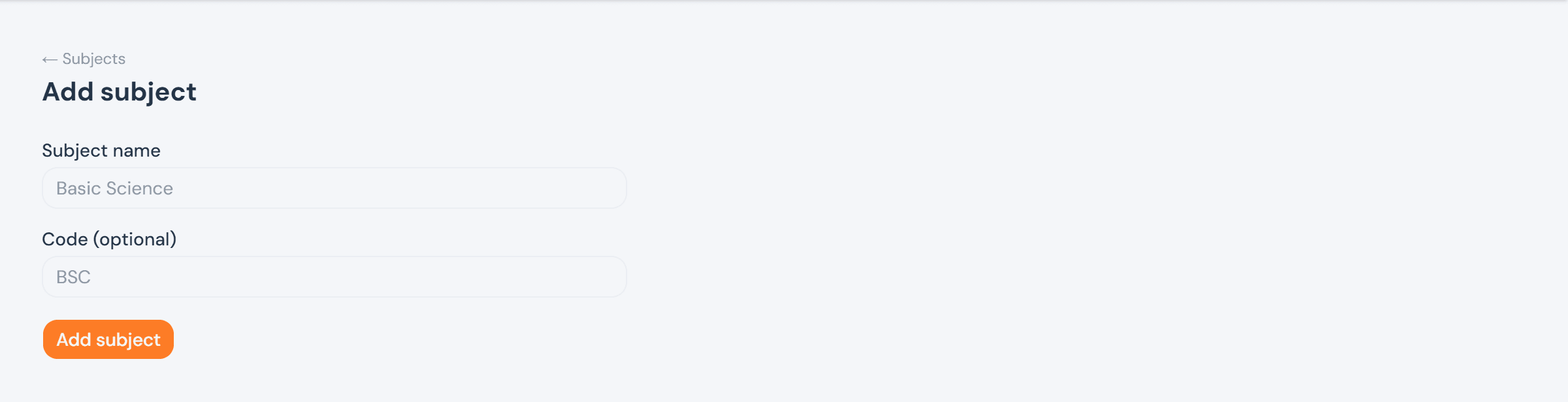
Add subject takes just a name and an optional code.
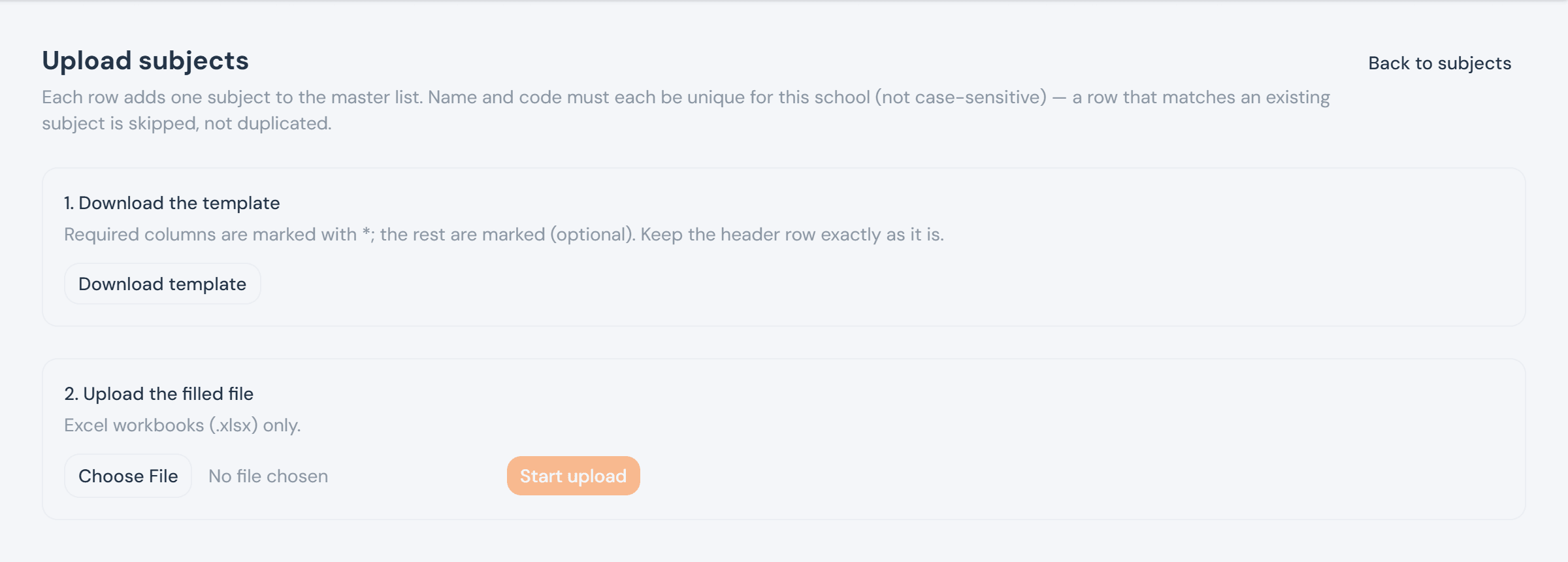
For a whole curriculum at once, Upload subjects follows the same template-download → fill → upload shape as every bulk import in the app: a row matching an existing subject (by name or code) is skipped rather than duplicated, so re-uploading the same sheet after fixing a few rows is always safe.