Staff attendance
Separate from student attendance in every way that matters: there's no register per class, no arm — just one daily register for the whole staff room, and it isn't self-service. Marking someone present is something someone else does, not a clock-in button a staff member presses for themselves.
Screens below are from a demo school. One real marker was appointed to capture this guide — Abdullahi Balaraba, a Teacher — and nobody's actual daily attendance was submitted or locked.
Who can do what
The Head Teacher administers this alone — configuring it, appointing who else may mark it, and correcting a record after the fact — but marking day to day doesn't have to be them personally. A marker is an appointment, not a role: any staff member the Head Teacher names can mark the daily register, the same shape as the Shopkeeper appointment. Until someone is appointed, only the Head Teacher can mark it at all.
Settings → Staff attendance
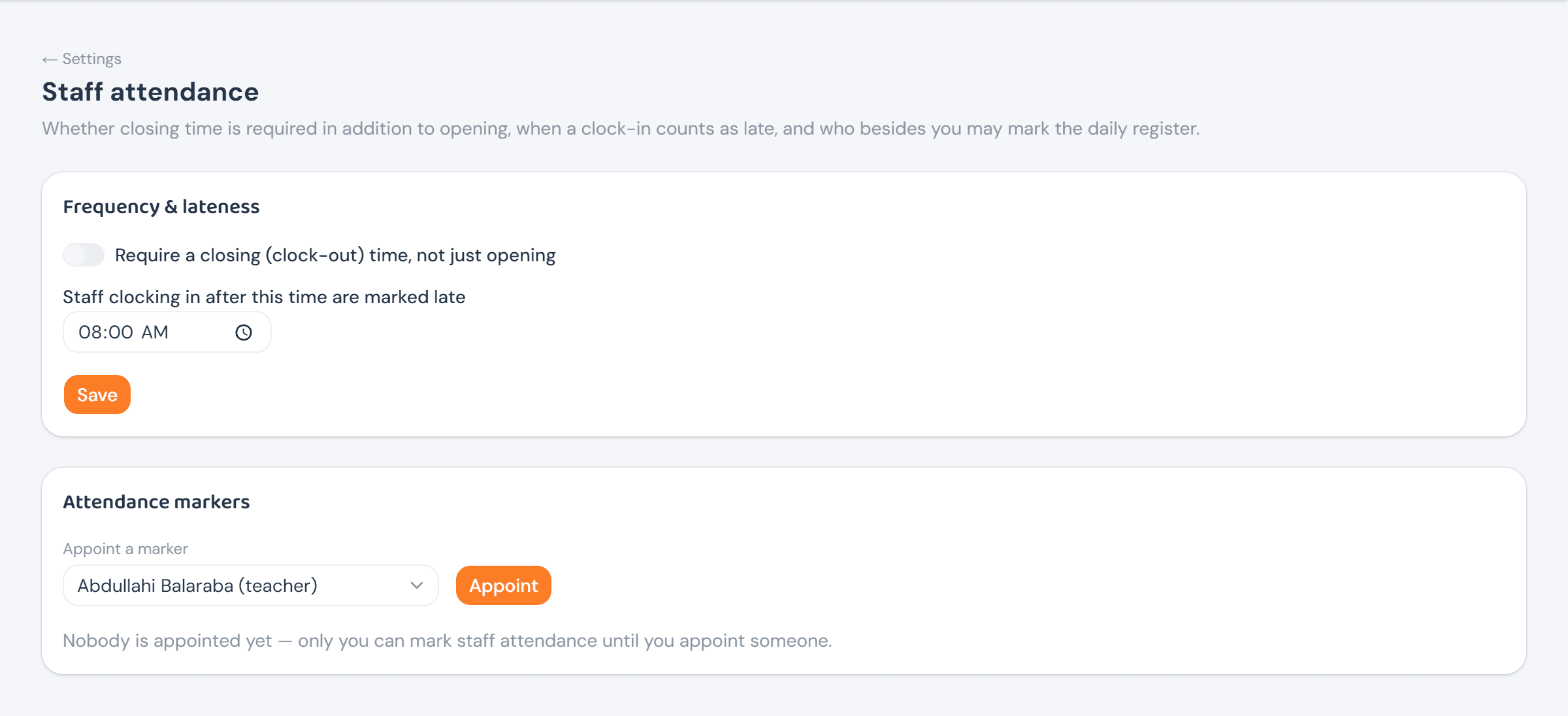
Settings → Staff attendance holds two independent things: whether a clock-out time is required in addition to clock-in, and the cutoff after which a clock-in counts as late — plus who besides the Head Teacher may mark the register.
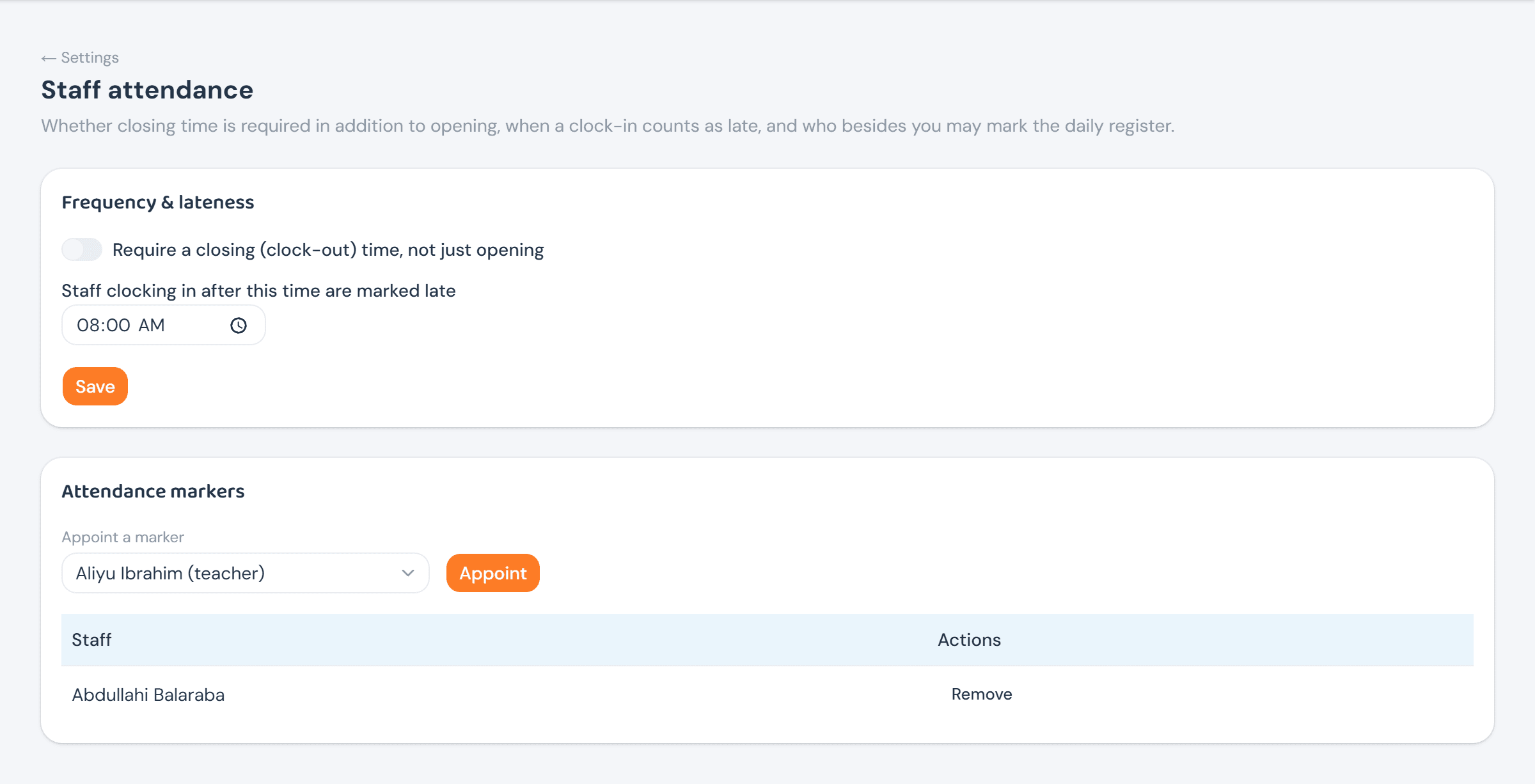
Appointing is a name and one click; the marker then shows up in a plain list with its own Remove — which, like removing a shop item's stock, asks for a short reason before it takes effect.
Marking the register
Staff attendance is always today's register — there's no date to browse to, since it's marked once, for the day it's happening. Every staff member defaults to Absent; the marker sets each to Present or Excused as needed, and only Present or Excused can ever be picked — Late is worked out by the server from the clock-in time and the lateness cutoff, never chosen by hand.
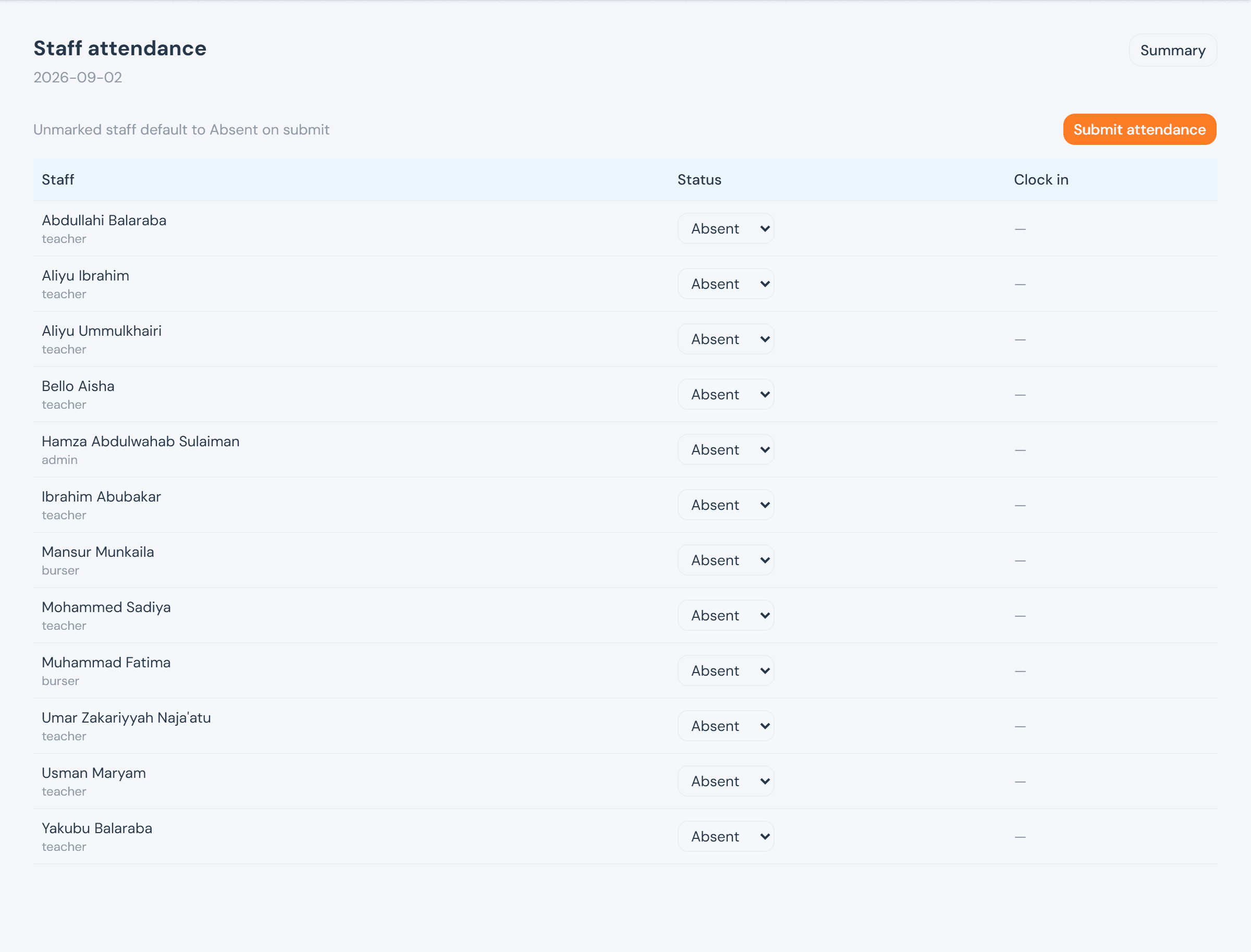
Marking someone Present stamps the clock-in time as the exact moment it's picked — never typed by hand — and that choice can't be switched back once made; the same is true of clocking out, when the school requires one. Submit attendance saves anyone still unmarked as Absent and locks the whole day. Locked doesn't mean unfixable: only the Head Teacher can correct a row afterward, and only with a reason attached, leaving the original mark and its correction both on the record.
Records & summaries
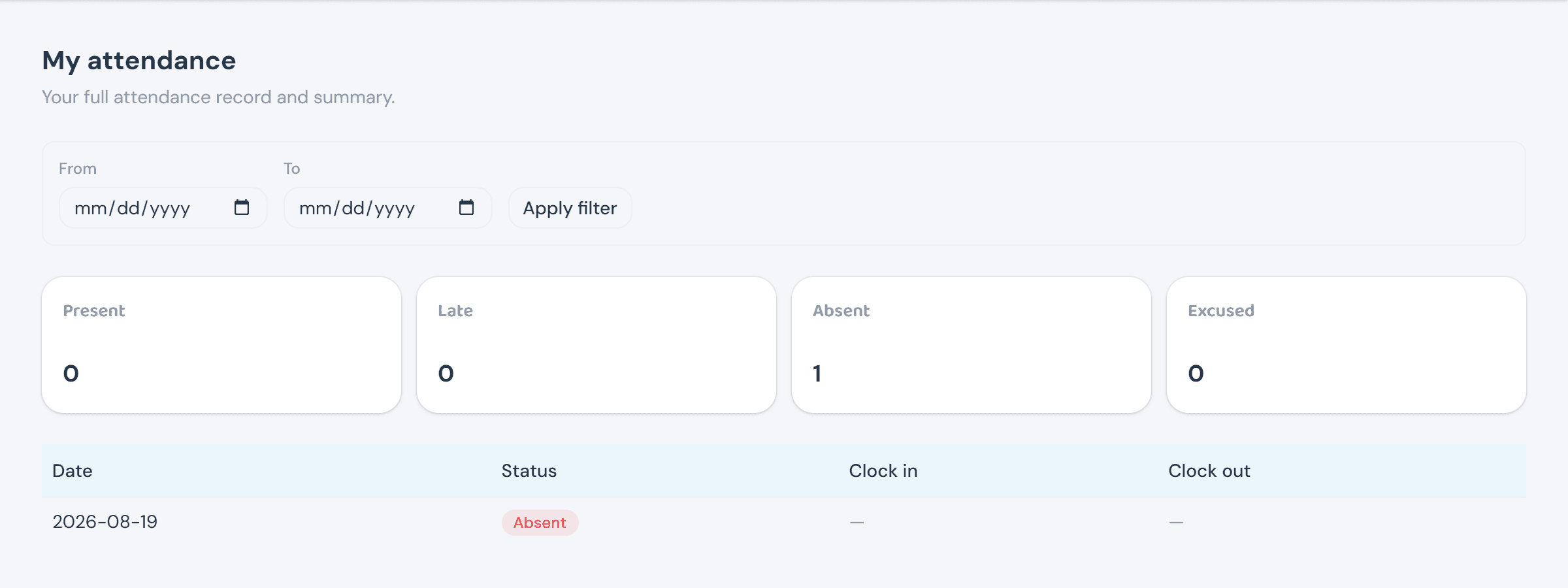
Every staff member can pull their own attendance history — no role needed beyond having a staff record at all — filtered by date range, with Present/Late/Absent/Excused counted up front.
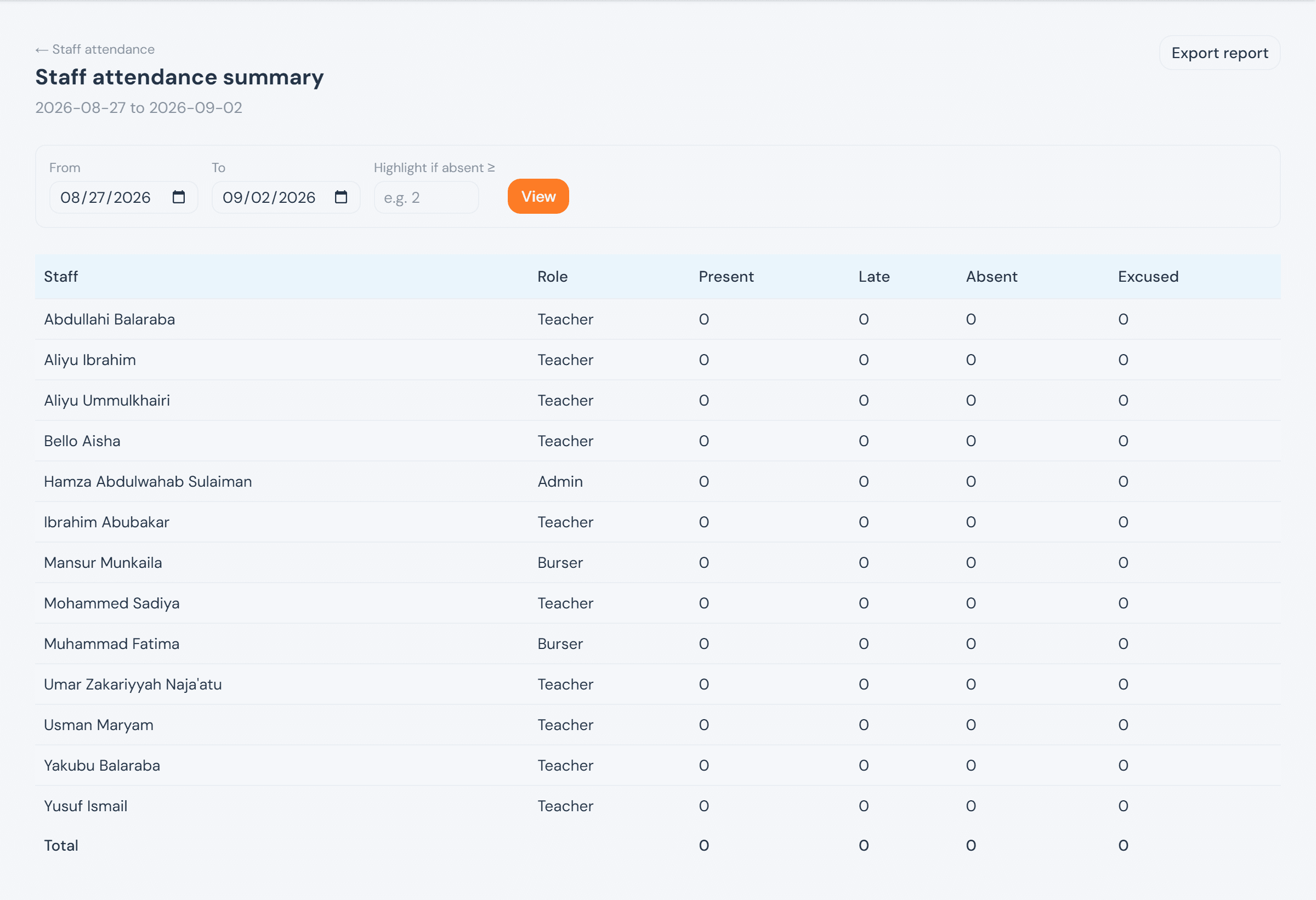
Staff attendance summary — proprietor and Head Teacher only, not the ICT Admin — rolls every staff member's counts up over a date range, with a highlight threshold for anyone whose absences stand out, and an Export report for the same data as a two-sheet spreadsheet.